
A call comes into Bitrix24
Before a manager checks a separate phone app to see who's calling.
After a client's card pops up right inside Bitrix24, with one-click dial-back and the call logged automatically.
 IP telephonyEU
European telephony with ready CRM connections and live call event alerts
Zadarma is telephony that already has a ready connection with Bitrix24 — one-click dialling, a pop-up client card and call recordings right inside it — plus an open interface for any system that isn't on the ready list yet.
Before a manager checks a separate phone app to see who's calling.
After a client's card pops up right inside Bitrix24, with one-click dial-back and the call logged automatically.
Before a manager dials both numbers by hand and sometimes mistypes one.
After the callback button dials both numbers itself and connects them.
Before recordings sit inside the phone system, and only IT can reach them.
After a time-limited link is requested straight through the connection we've set up, and anyone with the link can listen.
Before a CRM like KeyCRM, Pipedrive or SalesDrive has no listed connection to lean on.
After we wire the calls in through Zadarma's open interface, the same outcome as a ready module, just built by hand.
Before a report tool asks for statistics every few seconds and starts getting errors on a busy day.
After we throttle report requests below the shared cap so pulling numbers doesn't get in the way of live calls.
For those who want to check: each point links to the official documentation page it comes from.
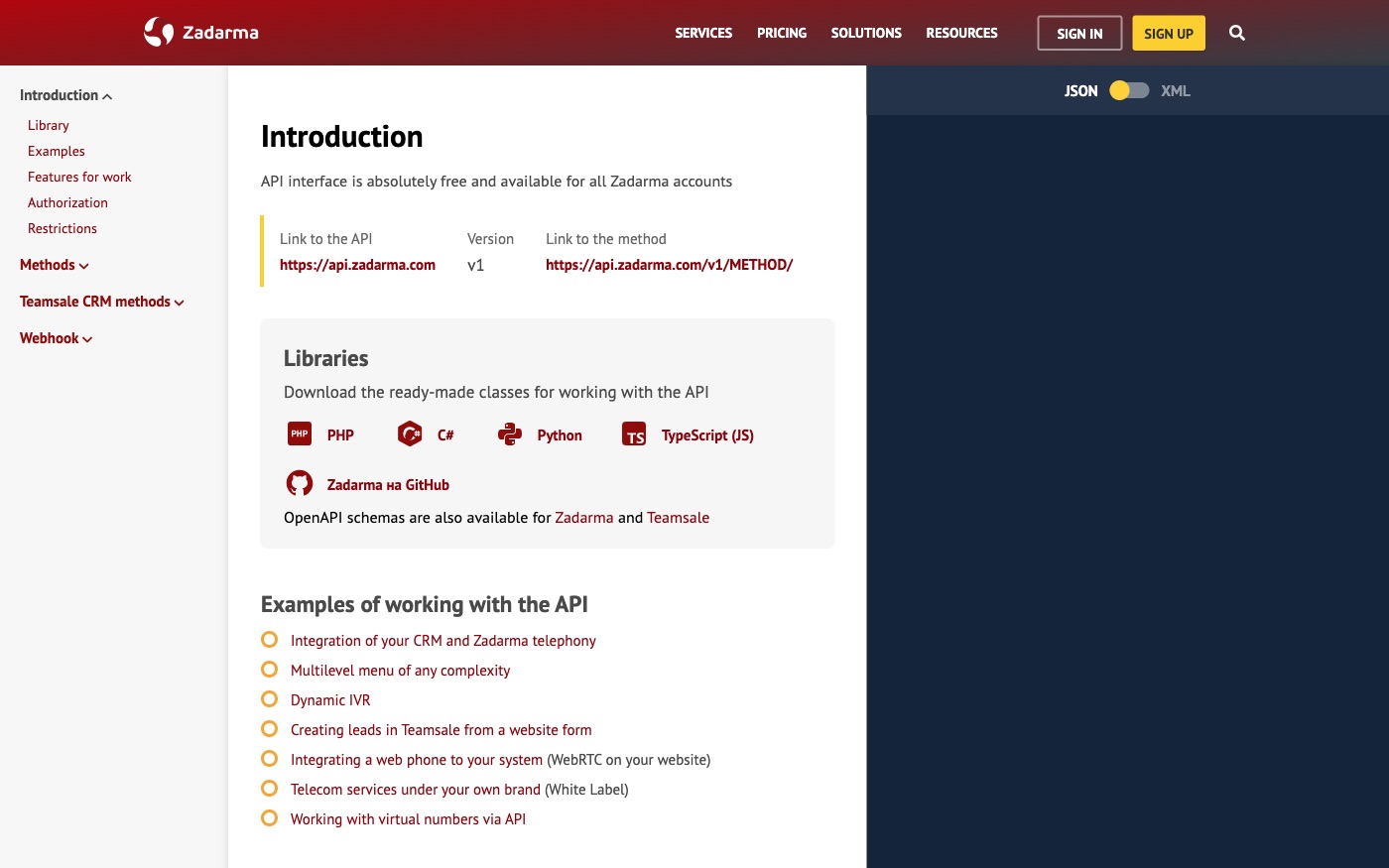
Zadarma's REST API interface is available to every Zadarma account, with no separate payment for API access.
Source: zadarma.com ↗ checked 2026-09-25Every API request is authorised with an Authorization header made of the account's user key and a signature calculated from the request parameters.
Source: zadarma.com ↗ checked 2026-09-25Call event notifications are configured at a dedicated address with separate switches for each moment: call start, an internal call, call end, outbound call start, outbound call end, and call answered.
Source: zadarma.com ↗ checked 2026-09-25A call recording is retrieved through a dedicated API method that returns a temporary link to the mp3 file, found by the call's ID.
Source: zadarma.com ↗ checked 2026-09-25Click-to-call is a dedicated API method: it takes a 'from' number and a 'to' number, calls the first one, then connects it to the second.
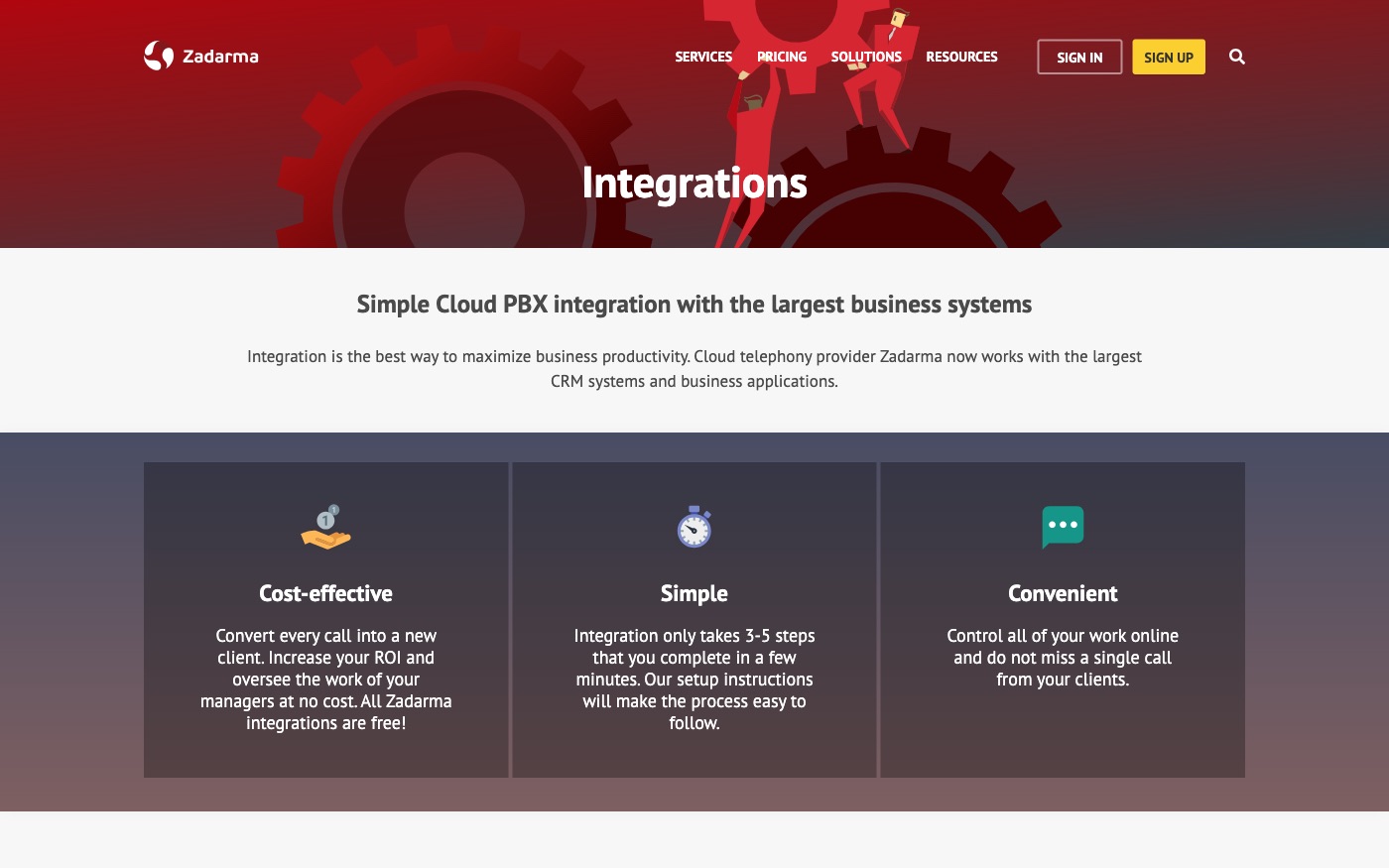
Source: zadarma.com ↗ checked 2026-09-25The ready Bitrix24 connection includes one-click dialling from inside Bitrix24, a pop-up client card on incoming and outgoing calls, listening to call recordings, and full call statistics — all inside Bitrix24 itself.
Source: zadarma.com ↗ checked 2026-09-25The overall API limit is 100 requests a minute per account, but statistics methods are capped much tighter, at 3 requests a minute — going over either returns an error. A recording link stays valid for between 180 seconds and 60 days, and defaults to 30 minutes (1,800 seconds) if we don't set it otherwise.
Three steps from a first message to work on your project.
Describe the task in the form — in text or by voice. Budget and timing are optional.
A developer studies the brief, asks about anything unclear and sends an estimate.
Once scope and price are agreed, the work begins.
or write to info@coreviaflow.space
Describe the task in text or a voice message. We look at your setup and reply with a plan.
Four services people come to us for most often. Each page explains what we do, how the work goes and where to start.
Choose the system, set up the pipeline, migrate data, train the team.
Learn more →Accounting, telephony, website, payments and messengers feed the CRM on their own.
Learn more →Orders, requests and answers around the clock, straight into your CRM.
Learn more →Flows between CRM, email, spreadsheets, payments and AI, on your own server.
Learn more → CRMUA
CRMUADeals, calls and documents move through Bitrix24 on their own, tracked step by step
See scenarios → CRMUS
CRMUSUS CRM with built-in calling and no-code automation, ready to plug into the tools you already run
See scenarios → CRMUS
CRMUSEnterprise CRM with a live event feed and no-code automation across every record type
See scenarios → CRMUS
CRMUSUS CRM with a dedicated bulk data channel and a step-by-step process enforcer, built to plug into your existing tools
See scenarios → IP telephonyUA
IP telephony with ready CRM connections and call alerts at the exact moment you need them
See scenarios → IP telephonyEU
Cloud calling that plugs straight into the tools your sales and support team already use
See scenarios →Implementation · Development · Integrations →
Zadarma is a trademark of its owner. CoreviaFlow is not affiliated with it unless stated otherwise. Screenshots are taken from public vendor materials; the source is shown under each one.