A lead needs several related updates at once
Before each related update travels as its own separate, slower request.
After up to five actions travel together in one request, so a related update lands as a single step.
 CRMUS
CRMUSUS CRM with a dedicated bulk data channel and a step-by-step process enforcer, built to plug into your existing tools
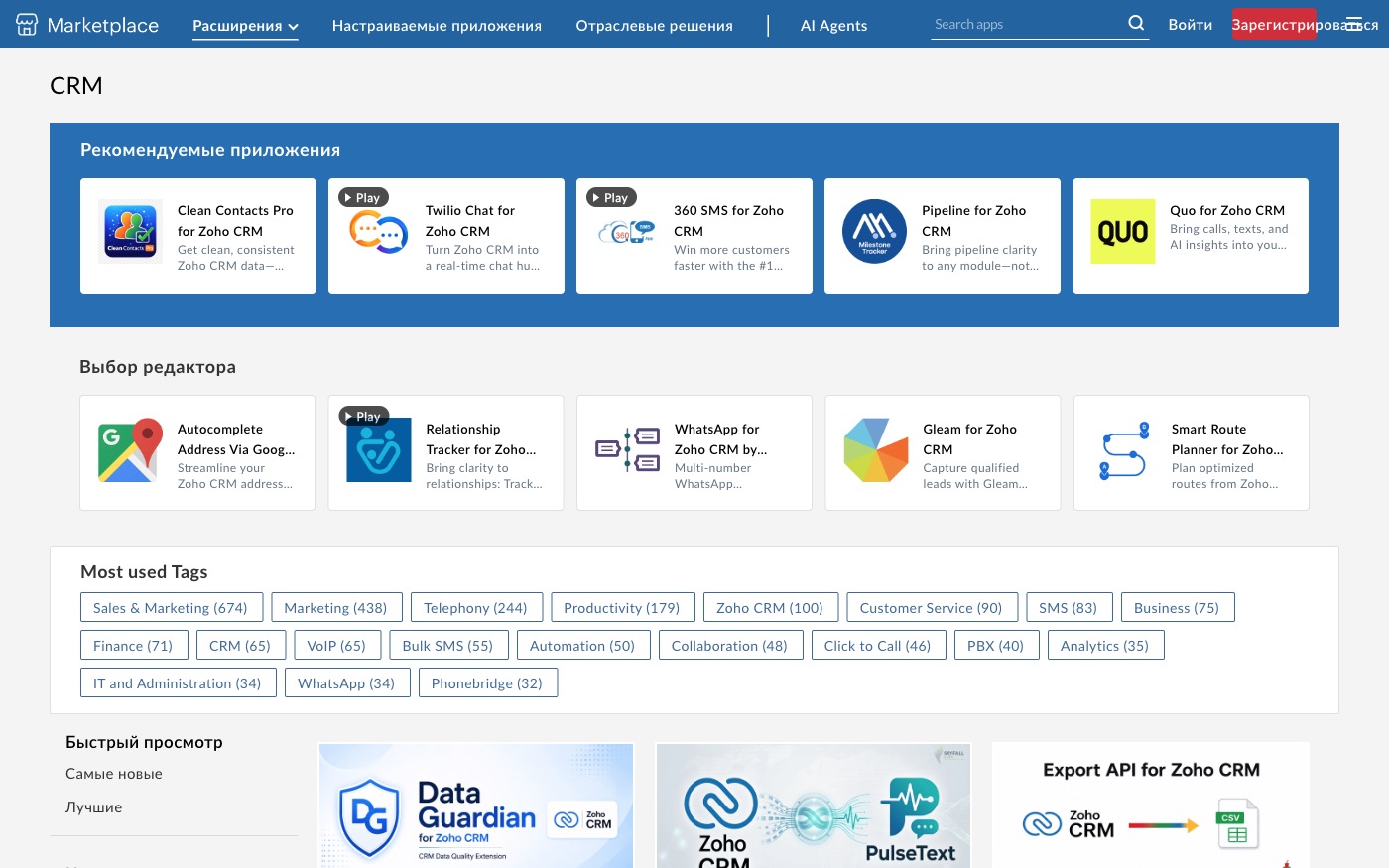
Zoho CRM keeps leads, accounts, contacts and deals as standard record types anyone can build on, plus its own bulk channel for moving large batches of data in or out. We set it up from scratch, connect it to the phone system and tools you already run, and switch on a stricter step-by-step process (Blueprint) wherever a sales flow can't afford to skip a step.
Before each related update travels as its own separate, slower request.
After up to five actions travel together in one request, so a related update lands as a single step.
Before importing one record at a time makes a big migration impossibly slow.
After the bulk channel moves the whole batch as a single job.
Before a rep skips a step because nobody's watching, and an approval gets missed.
After Blueprint enforces the sequence and won't let the deal move ahead until the step is done.
Before telephony and CRM sit in two separate windows a manager switches between.
After PhoneBridge gives that connection a dedicated framework instead of a one-off custom build.
For those who want to check: each point links to the official documentation page it comes from.
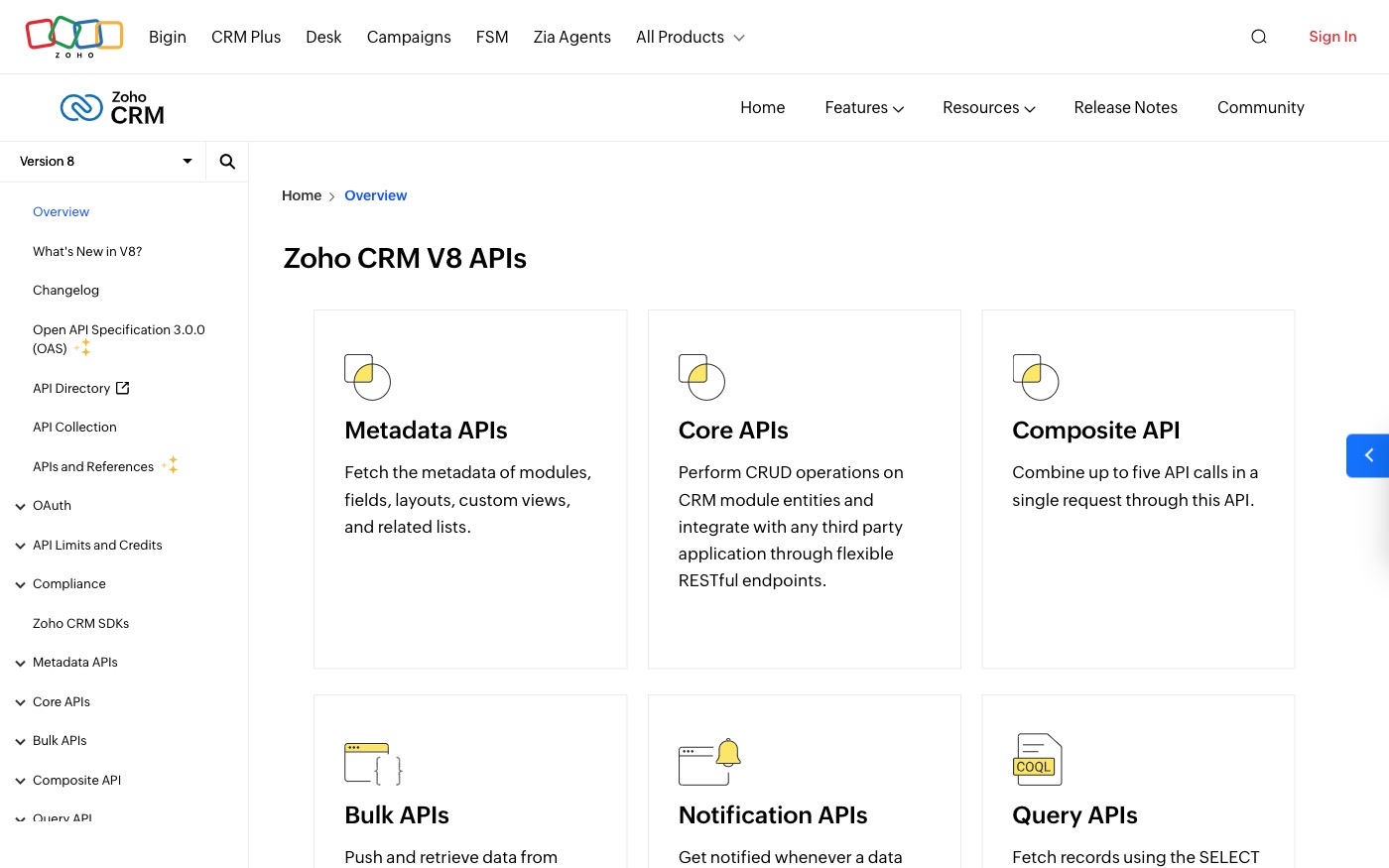
The API (v8) is authorised through OAuth 2.0, so an outside tool never needs to store a user's password.
Source: www.zoho.com ↗ checked 2026-09-25The Core API performs create, read, update and delete operations on CRM records through REST endpoints, so any third-party tool can integrate through a standard web request.
Source: www.zoho.com ↗ checked 2026-09-25Standard record types cover Leads, Accounts, Contacts, Deals, Forecasts and Activities, alongside support for custom record types.
Source: www.zoho.com ↗ checked 2026-09-25A separate Webhook API sends real-time data to an outside system whenever a chosen record type is created, updated or deleted.
Source: www.zoho.com ↗ checked 2026-09-25The Composite API combines up to five API calls into a single request, useful for several related updates that should travel together.
Source: www.zoho.com ↗ checked 2026-09-25A separate Bulk API handles pushing and retrieving data in and out of Zoho CRM asynchronously, built for large batches rather than single records.
Source: www.zoho.com ↗ checked 2026-09-25Every API call spends a 'credit' — most operations cost 1 credit, but some, like converting a lead, cost more. Free Edition accounts get a fixed 5,000 credits a day; Enterprise and Zoho One accounts get 50,000 plus 1,000 credits per user licence, capped at 5,000,000 credits a day.
Three steps from a first message to work on your project.
Describe the task in the form — in text or by voice. Budget and timing are optional.
A developer studies the brief, asks about anything unclear and sends an estimate.
Once scope and price are agreed, the work begins.
or write to info@coreviaflow.space
Describe the task in text or a voice message. We look at your setup and reply with a plan.
Four services people come to us for most often. Each page explains what we do, how the work goes and where to start.
Choose the system, set up the pipeline, migrate data, train the team.
Learn more →Accounting, telephony, website, payments and messengers feed the CRM on their own.
Learn more →Orders, requests and answers around the clock, straight into your CRM.
Learn more →Flows between CRM, email, spreadsheets, payments and AI, on your own server.
Learn more → CRMUS
CRMUSUS CRM with built-in calling and no-code automation, ready to plug into the tools you already run
See scenarios → CRMUS
CRMUSEnterprise CRM with a live event feed and no-code automation across every record type
See scenarios → CRMEU
CRMEUThe deal-focused CRM: connect it once, and deals, contacts and follow-ups keep themselves in sync
See scenarios → IP telephonyUA
IP telephony with ready CRM connections and call alerts at the exact moment you need them
See scenarios → IP telephonyEU
European telephony with ready CRM connections and live call event alerts
See scenarios → Payments & POSUS
One checkout for 125+ local payment methods, plus automatic tax and subscription billing
See scenarios →Implementation · Development · Integrations →
Zoho CRM is a trademark of its owner. CoreviaFlow is not affiliated with it unless stated otherwise. Screenshots are taken from public vendor materials; the source is shown under each one.