CoreviaFlowCOREVIAFLOWDIGITAL PROJECT COMPANY Leave a request
EN UA RU
Marketing & EmailUS

Instagram integration & automation

A message in Instagram Direct, a comment under a post or a mention becomes a lead and a conversation in the CRM; the manager replies from the CRM, and the client sees the reply in Instagram.

For many companies Instagram is where clients actually write: a question under a post, a message in Direct after a story, a mention in someone's publication. Those requests live in the phone of whoever holds the account, and when that person is busy or away, they go unanswered. We connect the company's professional Instagram account to the CRM: a message in Direct becomes a lead with the sender's name and the text of the conversation, a comment under a post gets a public reply and a private message, a mention becomes a task, and the manager replies from the CRM without opening Instagram. Instagram itself notifies the connection the moment something happens, so nothing has to be checked by hand. When a conversation needs a person inside the app, it is handed over to Instagram Inbox. The account and its audience stay with the company: the owner grants the connection access and can withdraw it at any time.

What we connect

  • We start with the account: only a professional Instagram account — Business or Creator — can be connected, so if the company still uses a personal profile, the owner switches it in the Instagram settings first. We also agree how the account is connected: through Instagram login alone, which needs no Facebook Page, or through the Facebook Page if the company already manages Instagram from it.
  • The account owner grants the connection two permissions on Meta's side: to manage messages and to manage comments. No passwords change hands, nothing is read without this consent, and the owner can withdraw the permissions from the same screen at any time.
  • In the Instagram app the owner turns on the switch that allows connected tools to access messages. Without it Instagram does not pass Direct messages to any outside tool, so we check this together before the first test.
  • Before the connection can serve the company's account, our application must pass Meta's check and business verification. Meta does the checking on its own schedule; while it runs we prepare the CRM side, so that once the approval arrives only switching on remains.
  • We map Instagram to the CRM: how a Direct sender becomes a contact, which pipeline and owner a new conversation gets, which comments and mentions turn into tasks, and what the reply templates say. Replies that go to real people are switched on only after you have approved the text.
  • We test on real events: a message in Direct, a reply from the CRM, a comment under a post with a private message to its author, a mention, and a handover of a conversation to Instagram Inbox — and check that each one lands where it should.

Automation scenarios

01

A message in Direct becomes a lead with the whole conversation

Before a client writes in Direct after seeing a story, the message sits in the phone of whoever holds the account, and by evening nobody remembers who asked what.

After Instagram notifies the connection the moment the message arrives, the CRM creates a lead with the sender's name and the text, assigns the manager on duty, and the whole conversation is kept in the lead's card.

02

The manager replies from the CRM, and the client sees it in Instagram

Before to answer, the manager asks for the phone with the account or signs into Instagram with a shared password.

After the manager types the reply in the CRM and the client receives it in the same Direct thread from the company's account. Instagram allows a reply within 24 hours of the client's message; if a person needs more time, the reply is marked as coming from a human agent and can be sent within 7 days, and the CRM shows how much of that window is left.

03

A comment under a post gets a reply and a private message

Before a question under a post gets a public 'we wrote to you in Direct' hours later, or nothing at all.

After the connection sees the new comment, the manager answers it publicly from the CRM and, if the question is better handled privately, sends the author one private message — Instagram allows it within 7 days of the comment. The person and their comment are saved as a lead, so the interest under the post is not lost.

04

A mention of the account becomes a task

Before a client tags the company in a publication, and the team finds out by chance a week later.

After Instagram notifies the connection about the mention, the CRM creates a task for the manager with a link to the publication, and if the client is already known, the mention is attached to their card.

05

A conversation is handed to a person in Instagram Inbox

Before when a conversation needs someone inside the app, the manager copies the history into a message and the client tells the story again.

After the manager hands the conversation over to Instagram Inbox, the mailbox built into Instagram, and a colleague continues it there from the company's account; the CRM keeps a note of when and to whom the conversation went, and the history stays in the lead's card.


How it works technically

For those who want to check: each point links to the official documentation page it comes from.

  • Only a professional Instagram account can be connected — a Business or a Creator account; an ordinary personal profile is not suitable for the connection.

    Source: developers.facebook.com ↗ checked 2026-09-28
  • There is a way to connect through Instagram login that needs no linked Facebook Page — the professional Instagram account itself is enough.

    Source: developers.facebook.com ↗ checked 2026-09-28
  • Direct messages work both ways: the connection receives incoming messages from clients and followers and replies to them on behalf of the account. A reply to a client's message is allowed within 24 hours of that message — this is the standard conversation window.

    Source: developers.facebook.com ↗ checked 2026-09-28
  • Instagram itself tells the connection about events as they happen: a new comment, a mention of the account, a new message in Direct.

    Source: developers.facebook.com ↗ checked 2026-09-28
  • Comments under publications: the connection reads them, replies, deletes, hides and unhides them, and can switch comments off and on for a particular post.

    Source: developers.facebook.com ↗ checked 2026-09-28
  • The author of a comment can be sent one private message within 7 days of the comment — this is how public interest is turned into a personal conversation.

    Source: developers.facebook.com ↗ checked 2026-09-28

Limits

The connection cannot write to a person first: a conversation in Direct starts only after the client has written to the account, so cold mailings through Instagram are not possible. A reply is allowed within 24 hours of the client's message; if a human manager needs more time, the reply is marked as coming from a human agent and can be sent within 7 days — beyond that the reply cannot be delivered until the person writes again. Only a professional account — Business or Creator — can be connected; a personal profile has to be switched first. Before the connection can serve the company's account, our application must pass Meta's check and business verification; Meta does this on its own schedule and we do not promise its length, and Instagram sends event notifications only to a published application. The account owner grants the permissions for messages and comments and turns on access to messages for connected tools in the Instagram settings — without either of these no data flows. Meta limits how often each account can be queried, which is why the connection relies on notifications from Instagram rather than constant checking. Instagram does not promise reach or replies, and neither do we.

Screenshots

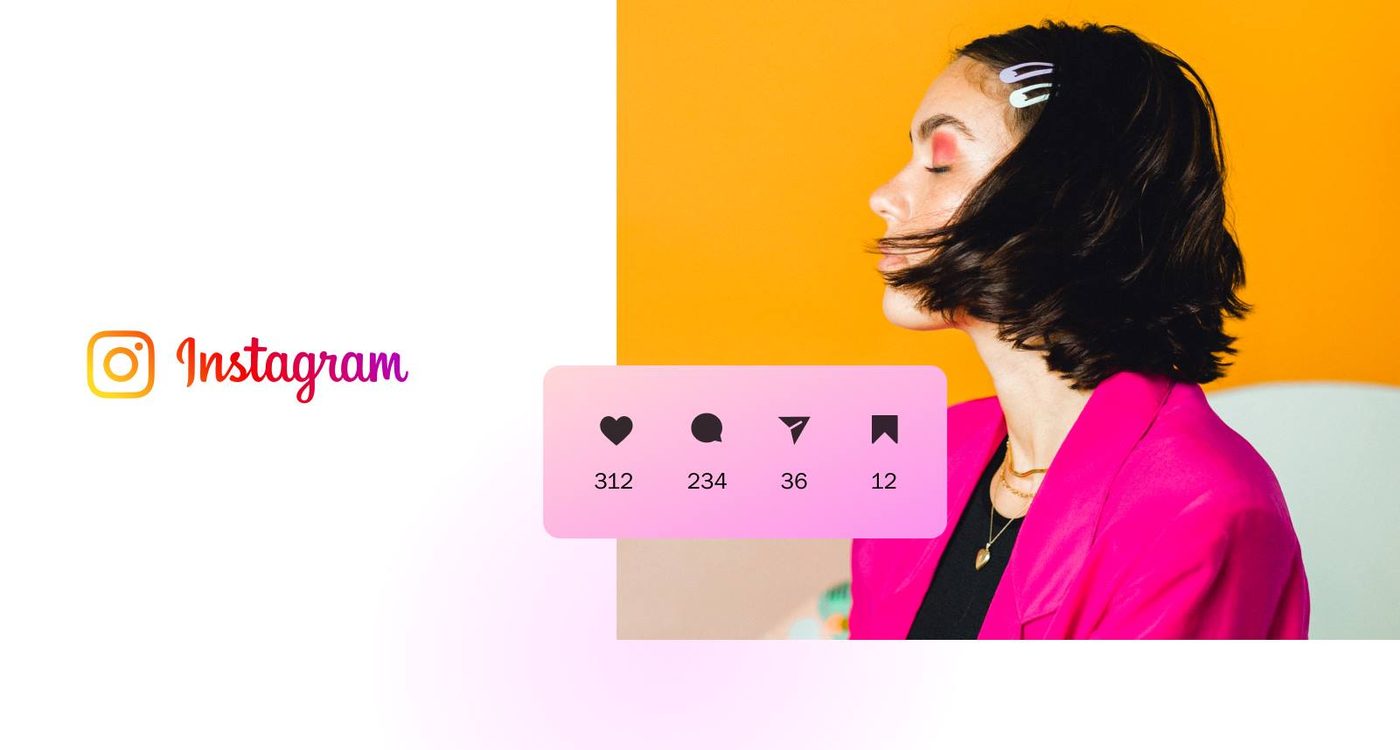
Instagram for business: professional account with engagement stats
A professional Instagram account: only such accounts can be connected through the Instagram API to a CRM. Source: business.instagram.com ↗
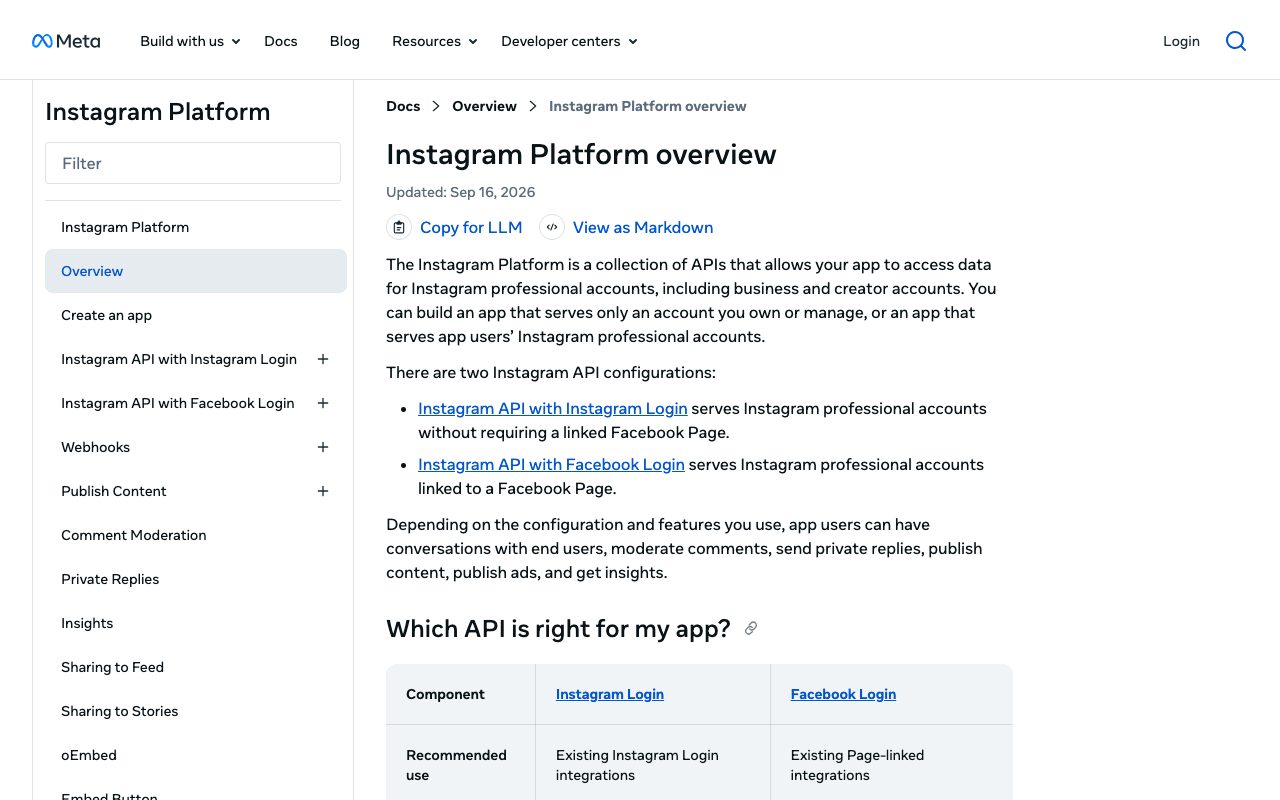
Instagram Platform overview in Meta developer docs
Meta's developer documentation lists the two configurations of the Instagram API: with Instagram login and with Facebook login. Source: developers.facebook.com ↗

How to start

Three steps from a first message to work on your project.

  1. 01

    Leave a request

    Describe the task in the form — in text or by voice. Budget and timing are optional.

  2. 02

    We review and estimate

    A developer studies the brief, asks about anything unclear and sends an estimate.

  3. 03

    We start

    Once scope and price are agreed, the work begins.

or write to info@coreviaflow.space

Questions

Can we write first to our followers or send a mailing through Direct?
No. Instagram lets the connection send a message only to a person who has already written to the account, so a cold mailing is not possible here. What is possible: to reply within 24 hours of the client's message, to reply with a human agent mark within 7 days, and to send the author of a comment one private message within 7 days of the comment.
Do we need a Facebook Page for this?
Not necessarily. Instagram offers a way to connect through Instagram login that needs only the professional account, with no linked Facebook Page. If the company already manages Instagram from its Facebook Page, connecting through the page works too — we pick the route that matches how the company already works.
What if the manager answers the next day?
Instagram gives 24 hours to reply to a client's message. If a person is replying and needs more time, the reply is marked as coming from a human agent and can be sent within 7 days. The CRM shows how much of the window is left on each conversation, so the manager sees which ones are about to close. After 7 days the reply cannot be delivered until the client writes again.
What is Meta's check, and can we start before it?
To serve client accounts, our application has to pass Meta's check and business verification. Meta does it, and we cannot promise how long it takes. Until it is through, the connection cannot work with the company's account; in the meantime we prepare the mapping, the owners and the reply texts, and the owner switches the account to professional and turns on access to messages for connected tools, so that after approval only switching on remains.

Tell us what needs to be connected

Describe the task in text or a voice message. We look at your setup and reply with a plan.