CoreviaFlowCOREVIAFLOWDIGITAL PROJECT COMPANY Leave a request
EN UA RU
Automation & workspaceUS

Airtable integration & automation

A new deal in the CRM becomes a row in your Airtable base, a status changed in Airtable shows up on the deal, and the team keeps its familiar tables without retyping anything.

Airtable is where many teams keep their working tables: a content plan, a production schedule, a list of orders in progress, a register of contractors. The CRM is where the client, the deal and the money live. Between them there is usually a person who copies the deal into Airtable by hand and then copies the result back. The connection removes that step: a deal that reaches the agreed stage appears as a row in the right base with the client's details already filled in, a change in Airtable — a new status, a date, a responsible person — is written back to the deal, and the manager sees the current state in the CRM without opening the base. Airtable stays exactly as your team built it; the connection only reads and writes the fields you agree on.

What we connect

  • We look at your Airtable together: which bases and tables take part, which fields matter and which of them should be visible in the CRM. Usually it is one base and two or three tables, not the whole workspace.
  • The owner of the workspace or the creator of the base issues a personal access key in the Airtable account settings. When issuing it, they choose which bases the key can open and what it may do — read, write, or both; the key can never do more than that person is allowed to do.
  • If your company is on the Enterprise Scale plan, we recommend issuing the key from a service account rather than from an employee: then the connection keeps working even if that employee leaves.
  • We map the deal to the row: the deal name to the title field, the client and the link to the card to the text fields, the manager to the 'responsible' field, the CRM stage to the status column. Single-select and date fields are matched one to one so nothing gets lost in translation.
  • We agree what starts what: a deal reaching the agreed stage creates a row; a status or date changed in Airtable is written to the deal; a row marked 'done' moves the deal to the next stage. Changes from Airtable are picked up in short cycles, so the CRM stays close to the base without anyone refreshing it.
  • We run the connection on a copy of the base first, check the rows it creates against your table, and only then point it at the live base. Your views, formulas and automations inside Airtable stay untouched.

Automation scenarios

01

A won deal becomes a row in the production table

Before the manager wins the deal, opens Airtable and types the client, the product, the quantity and the deadline into the production table by hand — and sometimes forgets.

After the moment the deal is marked won, a row appears in the table with all of that filled in and a link back to the deal; production sees the new order without a message from sales.

02

A status changed in Airtable is visible on the deal

Before the client asks 'where is my order?', the manager opens Airtable, scrolls through the table and looks for the right row.

After when production moves the row to 'in work', 'ready' or 'shipped', the deal in the CRM shows the same stage on its own, and the manager answers from the client card.

03

A content plan in Airtable knows which client it is for

Before the marketing team keeps the content plan in Airtable and asks sales in chat which client each item belongs to and what was agreed.

After each row carries the client's name and a link to the deal in the CRM, and when a piece is published, the date lands in the client's history so the account manager sees it without asking.

04

A contractor register in Airtable feeds the CRM

Before the list of contractors and their rates lives in Airtable, and the manager copies the right contractor into the deal by hand for every order.

After the manager picks the contractor from a list that the CRM reads from the base, and the contractor's card in Airtable shows which deals they are on.


How it works technically

For those who want to check: each point links to the official documentation page it comes from.

  • Airtable's Web API is RESTful and returns data in JSON; every request is addressed to a specific base and table.

    Source: support.airtable.com ↗ checked 2026-09-28
  • Access is granted through personal access tokens or OAuth; the token's scopes and the list of bases it may open are chosen when it is created.

    Source: support.airtable.com ↗ checked 2026-09-28
  • A token can only do what the user who created it is allowed to do, regardless of the scopes selected.

    Source: support.airtable.com ↗ checked 2026-09-28
  • On the Enterprise Scale plan, service accounts let an integration run independently of any specific employee, so it keeps working if that person leaves.

    Source: support.airtable.com ↗ checked 2026-09-28
  • Records are returned in pages of up to 100 at a time; a full table is read page by page.

    Source: support.airtable.com ↗ checked 2026-09-28

Limits

Airtable answers no more than 5 requests per second per base on any plan, and the same key or service account gets no more than 50 requests per second across all its bases; when the limit is hit, Airtable answers with error 429 and asks to wait 30 seconds, and increased limits are not offered on any plan — so bulk loads go in portions and the connection is built to wait and retry. On the two entry-level plans there is also a monthly cap on the number of requests, fixed per plan and not adjustable per account; a busy connection on those plans can run out of requests before the month ends. Records come in pages of 100, so reading a large table takes several requests. A request that takes too long — a complex filter or a very large page — can time out even within the limits. The personal access key is tied to the person who issued it and cannot do more than that person is allowed to; service accounts that survive an employee's departure are available only on the Enterprise Scale plan. Airtable does not offer a documented way for our connection to be told about changes in a base on a help page we could verify, so changes from Airtable are picked up in short cycles rather than the instant they happen.

Screenshots

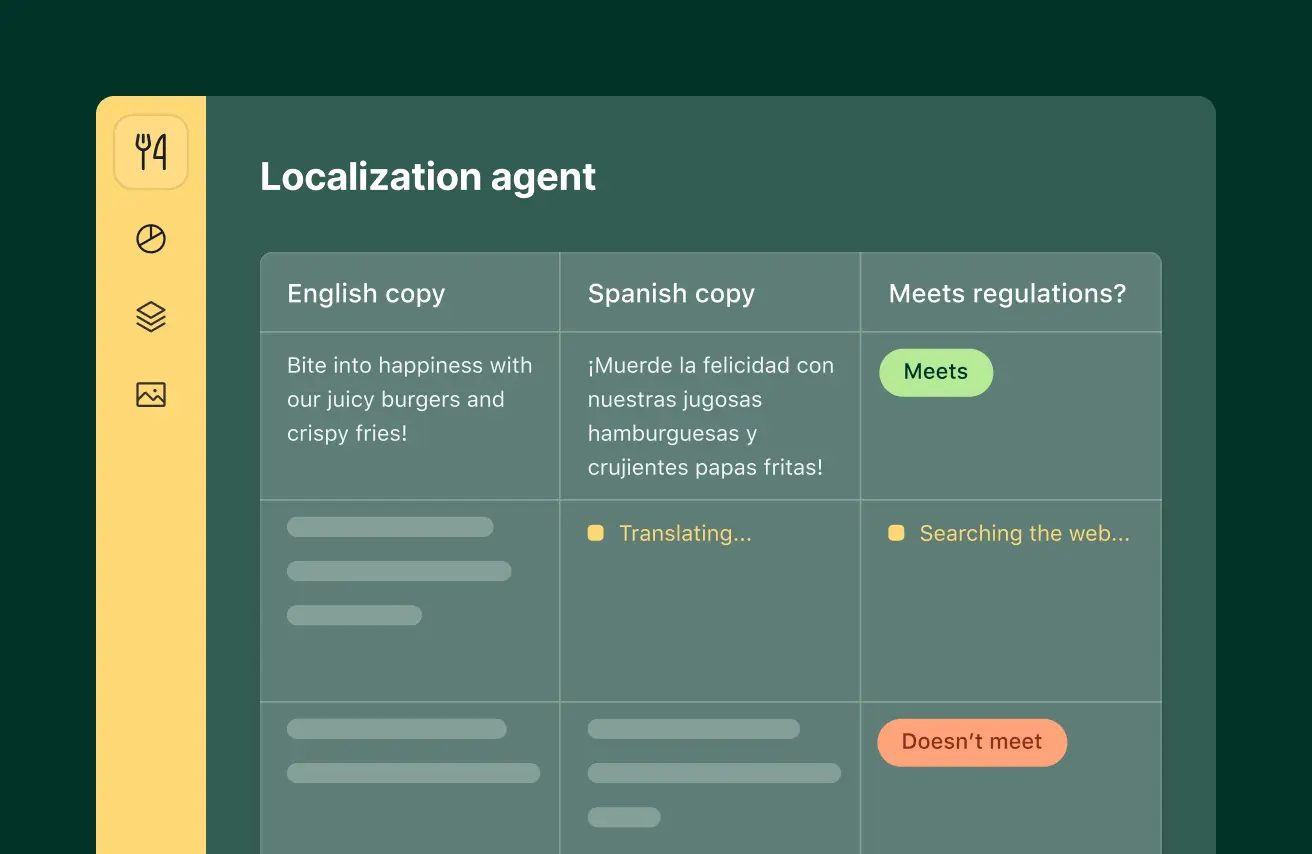
Airtable table with a localization agent: English copy, Spanish copy and a compliance check column
An Airtable base where every record is a row with text, translation and check fields — this is the data we sync with the CRM. Source: airtable.com ↗
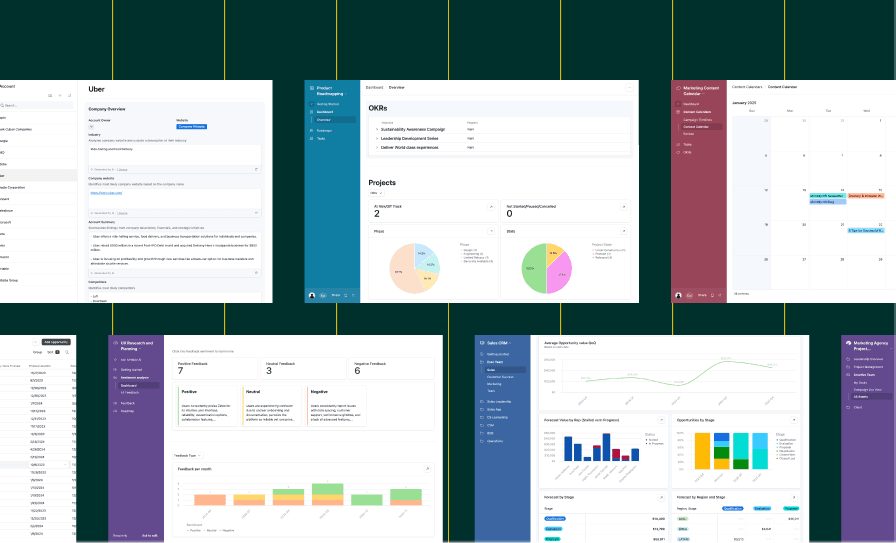
Collage of Airtable views: project dashboard with charts, content calendar and a sales pipeline
Airtable interfaces built on one base — dashboards, calendars and pipelines the CRM can read from and write to. Source: www.airtable.com ↗

How to start

Three steps from a first message to work on your project.

  1. 01

    Leave a request

    Describe the task in the form — in text or by voice. Budget and timing are optional.

  2. 02

    We review and estimate

    A developer studies the brief, asks about anything unclear and sends an estimate.

  3. 03

    We start

    Once scope and price are agreed, the work begins.

or write to info@coreviaflow.space

Questions

Does our team have to stop using Airtable?
No. The team keeps working in the same bases, views and forms; the connection only reads and writes the fields we agree on. The one thing that changes is that rows for new deals appear on their own, and the CRM shows what the team changed in Airtable.
Will the connection see all our bases?
Only the ones chosen when the access key is issued. Airtable lets the person issuing the key pick specific bases and what the key may do with them — read, write or both — and the key can never do more than that person is allowed to. Access can be revoked at any moment in the account settings.
What happens if the employee who issued the key leaves?
If the key belongs to a person and that person's account is closed, the connection stops. On the Enterprise Scale plan Airtable offers service accounts for exactly this case: the key belongs to the company, not to an employee. On other plans we write down who owns the key and agree in advance who reissues it when people change.
How quickly does a change in Airtable reach the CRM?
Changes are picked up in short cycles that we agree on with you, within the request limits Airtable sets for your plan. For most teams that is close enough to instant; if a particular field must move faster, we say so honestly at the planning stage rather than promising what the limits do not allow.

Tell us what needs to be connected

Describe the task in text or a voice message. We look at your setup and reply with a plan.