
A client pays for an order online
Before someone checks a separate payment system to see whether the money actually arrived.
After a cleared payment updates the order's status in your system on its own.
 Payments & POSUA
Card payments that reach the client's order the moment they clear — without card data ever touching your server
Portmone takes the card payment so your server never has to touch the card number itself — the card data gets locked with a public key right on the client's device before it goes anywhere. We connect the result to your order: a payment that clears updates the order's status and can set off the next step, like a confirmation to the client, on its own.
Before someone checks a separate payment system to see whether the money actually arrived.
After a cleared payment updates the order's status in your system on its own.
Before a manager remembers to send the client a confirmation.
After the confirmation goes out on its own the moment the payment clears.
Before real card details get used just to check that the flow works.
After preset test card details cover both a successful and a failed payment, with no real money involved.
Before expecting a simple settings toggle, like on most services.
After knowing it takes a written request from the registered email to Portmone's managers — and having that request handled as part of the setup.
For those who want to check: each point links to the official documentation page it comes from.
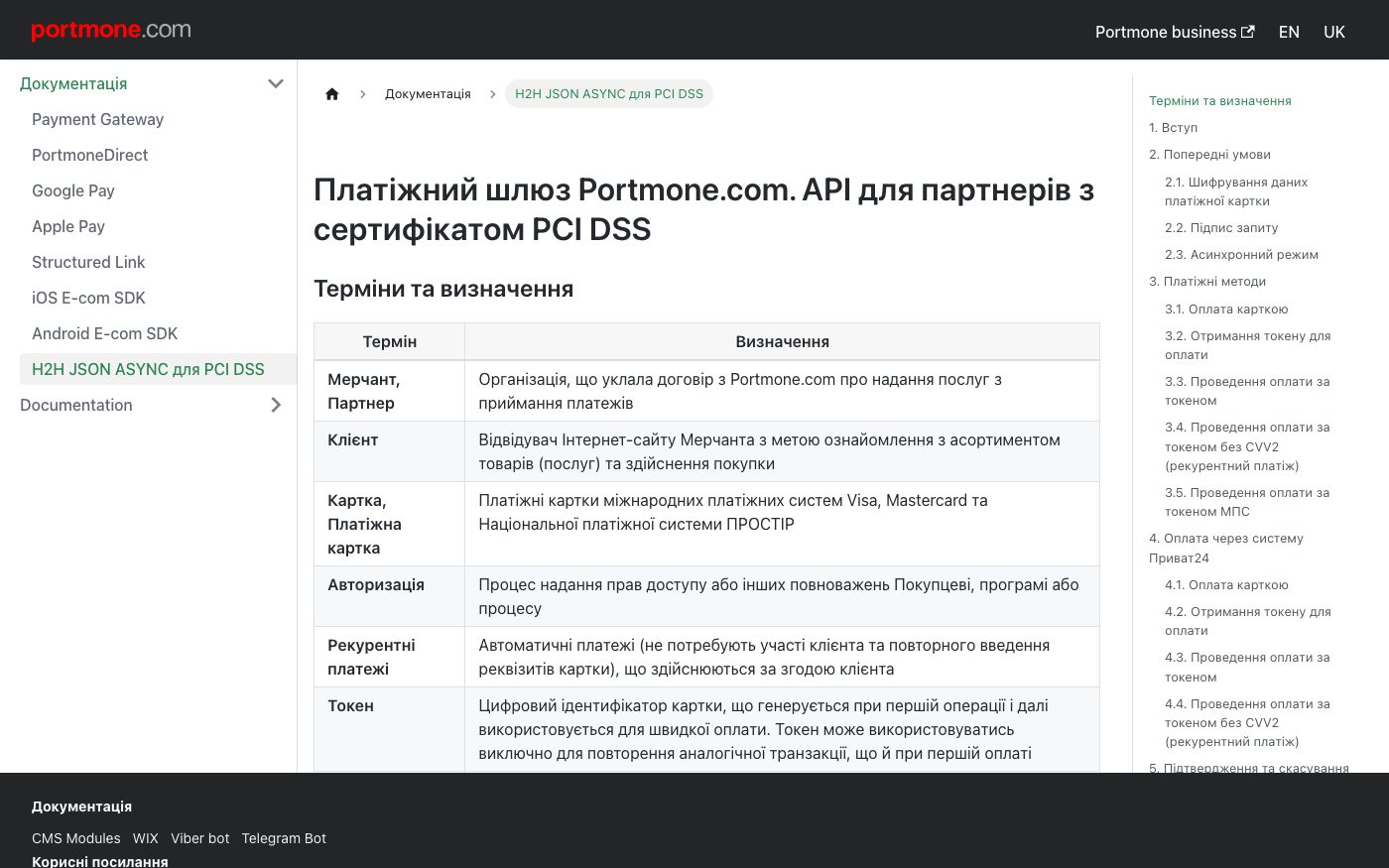
Portmone's payment gateway connection is built on a transparent integration approach that uses client-side encryption (CSE).
Source: docs.portmone.com.ua ↗ checked 2026-09-25With this approach, card data is locked with a public key right on the client's own device before it reaches the merchant's server at all — the merchant's side has no way to unlock it, because it never holds the matching private key.
Source: docs.portmone.com.ua ↗ checked 2026-09-25Locking the card data on the client's device relies on a dedicated script with its own set-key and encrypt actions.
Source: docs.portmone.com.ua ↗ checked 2026-09-25Turning the connection's test mode on or off isn't self-service — it needs a written request sent from the registered email address to Portmone's managers.
Source: docs.portmone.com.ua ↗ checked 2026-09-25Portmone provides two ready-made test scenarios — a successful payment and a failed one — each with its own preset test card details.
Source: docs.portmone.com.ua ↗ checked 2026-09-25This direct connection variant is meant for businesses that already meet the PCI DSS card-data security requirement — turning its test mode on or off isn't self-service and takes a written request to Portmone's managers first.
Three steps from a first message to work on your project.
Describe the task in the form — in text or by voice. Budget and timing are optional.
A developer studies the brief, asks about anything unclear and sends an estimate.
Once scope and price are agreed, the work begins.
or write to info@coreviaflow.space
Describe the task in text or a voice message. We look at your setup and reply with a plan.
Four services people come to us for most often. Each page explains what we do, how the work goes and where to start.
Choose the system, set up the pipeline, migrate data, train the team.
Learn more →Accounting, telephony, website, payments and messengers feed the CRM on their own.
Learn more →Orders, requests and answers around the clock, straight into your CRM.
Learn more →Flows between CRM, email, spreadsheets, payments and AI, on your own server.
Learn more → Payments & POSUA
Card, Privat24, Apple Pay and Google Pay — every payment method on one checkout page
See scenarios → Payments & POSUA
Payments with a hold before charging and scheduled recurring charges for subscriptions
See scenarios → Payments & POSUA
Card payments that connect straight to the Checkbox cash register, plus 50+ ready platform connections
See scenarios → Payments & POSUA
The cash register that sends the receipt to the tax office the moment payment goes through
See scenarios → Warehouse & DeliveryUA
Delivery status that updates the order on its own, from drop-off to the client's door
See scenarios → Payments & POSUS
One checkout for 125+ local payment methods, plus automatic tax and subscription billing
See scenarios →Implementation · Development · Integrations →
Portmone is a trademark of its owner. CoreviaFlow is not affiliated with it unless stated otherwise. Screenshots are taken from public vendor materials; the source is shown under each one.