CoreviaFlowCOREVIAFLOWDIGITAL PROJECT COMPANY Leave a request
EN UA RU
Marketing & EmailEU

Typeform integration & automation

Every form answer becomes a lead, a ticket or a row in your table the moment it is submitted

Typeform is a builder for conversational forms, surveys and quizzes. We connect it to your CRM, spreadsheets, messengers and mailing tools so that a submitted form does not sit in the Typeform dashboard waiting to be exported: the answers go straight to the manager, create a deal or a support request, and the client gets a reply right away.

What we connect

  • We list the forms you want connected and what each answer should turn into: a lead, a task, a table row, a message.
  • You create a personal access key in your Typeform account — a regular account is enough, no special developer account is needed.
  • We check your plan: instant delivery of answers to outside systems requires a PRO or PRO+ account, and we tell you if your account stores data in the EU data center.
  • We set Typeform to send each new answer to our receiving address and protect it with a secret signature so no one can send fake submissions.
  • We map the form questions to CRM fields: name, phone, email, budget, chosen options, hidden fields from the link (source, campaign).
  • We add a scheduled fallback that re-reads recent answers, so nothing is lost even if the instant delivery failed.
  • We test with real submissions from your side and hand over the setup with a short description.

Automation scenarios

01

Application form becomes a lead in the CRM

Before applications piled up in the Typeform dashboard, the manager checked it a couple of times a day and copied answers into the CRM by hand.

After a lead with all the answers appears in the CRM seconds after submission, and the manager gets a notification in the messenger.

02

Quiz result decides the next step

Before everyone who passed the quiz got the same generic email.

After depending on the answers, the person is added to the right mailing segment, offered a specific product, or handed to a manager if the budget is large.

03

Customer satisfaction survey with alerts

Before low ratings were noticed a week later when someone opened the survey report.

After a low score immediately creates a task for the account manager and a message in the team channel, while all answers land in a table for statistics.

04

Forms created from your catalog

Before a marketer rebuilt the order form by hand every time the product list or prices changed.

After the form is generated from your catalog automatically, so the options in it are always current.


How it works technically

For those who want to check: each point links to the official documentation page it comes from.

  • The Responses API returns collected answers on demand in JSON without setting up webhooks or third-party integrations.

    Source: www.typeform.com ↗ checked 2026-09-28
  • The Webhooks API sends every submission to any URL or compatible web application as soon as it is submitted.

    Source: www.typeform.com ↗ checked 2026-09-28
  • The Create API is a REST API for creating and editing forms, images and themes.

    Source: www.typeform.com ↗ checked 2026-09-28
  • A regular Typeform account is enough to use the APIs; enabling webhooks and Hidden Fields requires a PRO or PRO+ account.

    Source: www.typeform.com ↗ checked 2026-09-28
  • Webhook payloads can be signed with a secret; the signature comes in the request header for verification.

    Source: www.typeform.com ↗ checked 2026-09-28
  • Create and Responses APIs allow two requests per second per Typeform account.

    Source: www.typeform.com ↗ checked 2026-09-28

Limits

Instant delivery of answers to outside systems and hidden fields in links require a PRO or PRO+ Typeform account; on other plans we read answers on a schedule instead. Typeform accepts two requests per second per account, so bulk reads are paced. Very recent submissions (roughly the last half hour) may not yet appear in a scheduled read, which is why instant delivery is the main channel and scheduled reading is the backup. If our receiving server does not answer within 30 seconds, Typeform retries several times over a few hours; if it keeps failing, Typeform switches that delivery off and we must turn it back on. Receiving addresses must use https.

Screenshots

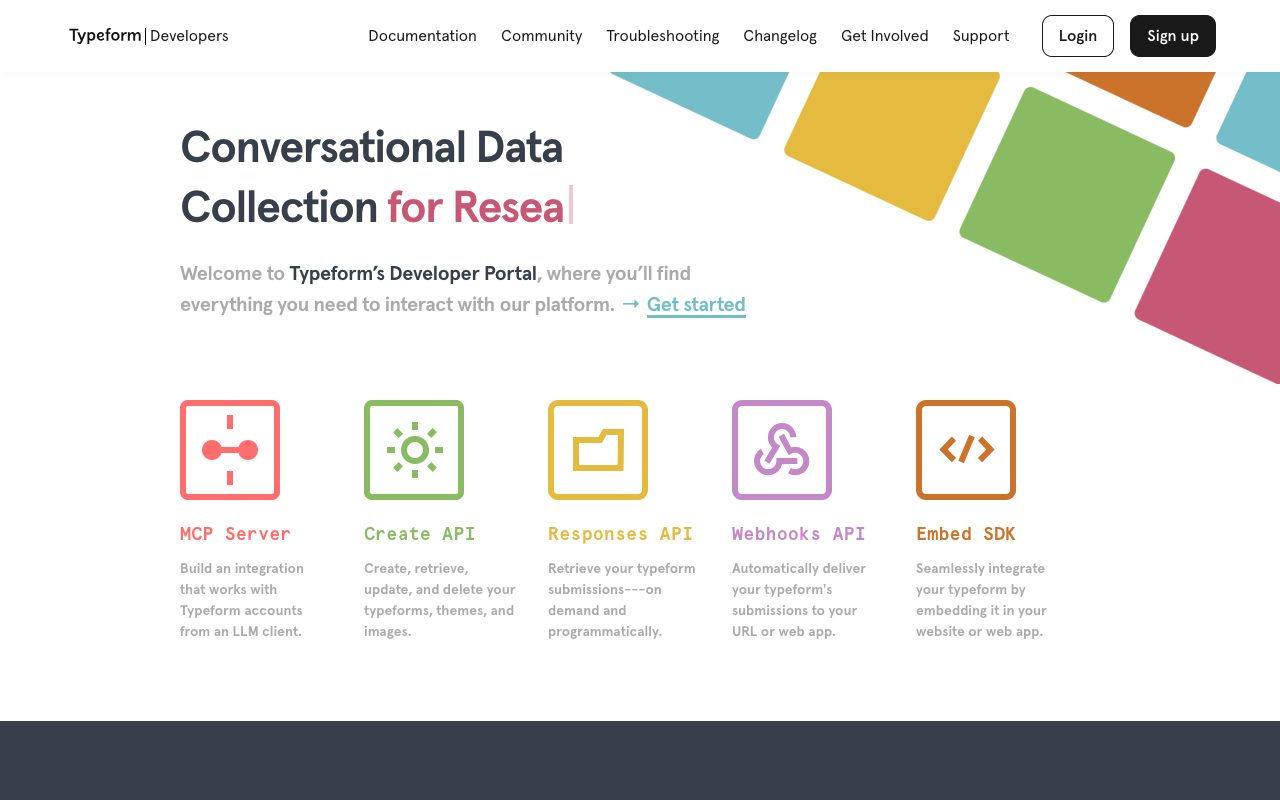
Typeform developer portal: Create API, Responses API, Webhooks API and Embed SDK
Typeform's developer portal lists the building blocks we use: Responses to read answers, Webhooks to get each new submission instantly, Create to manage forms. Source: www.typeform.com ↗
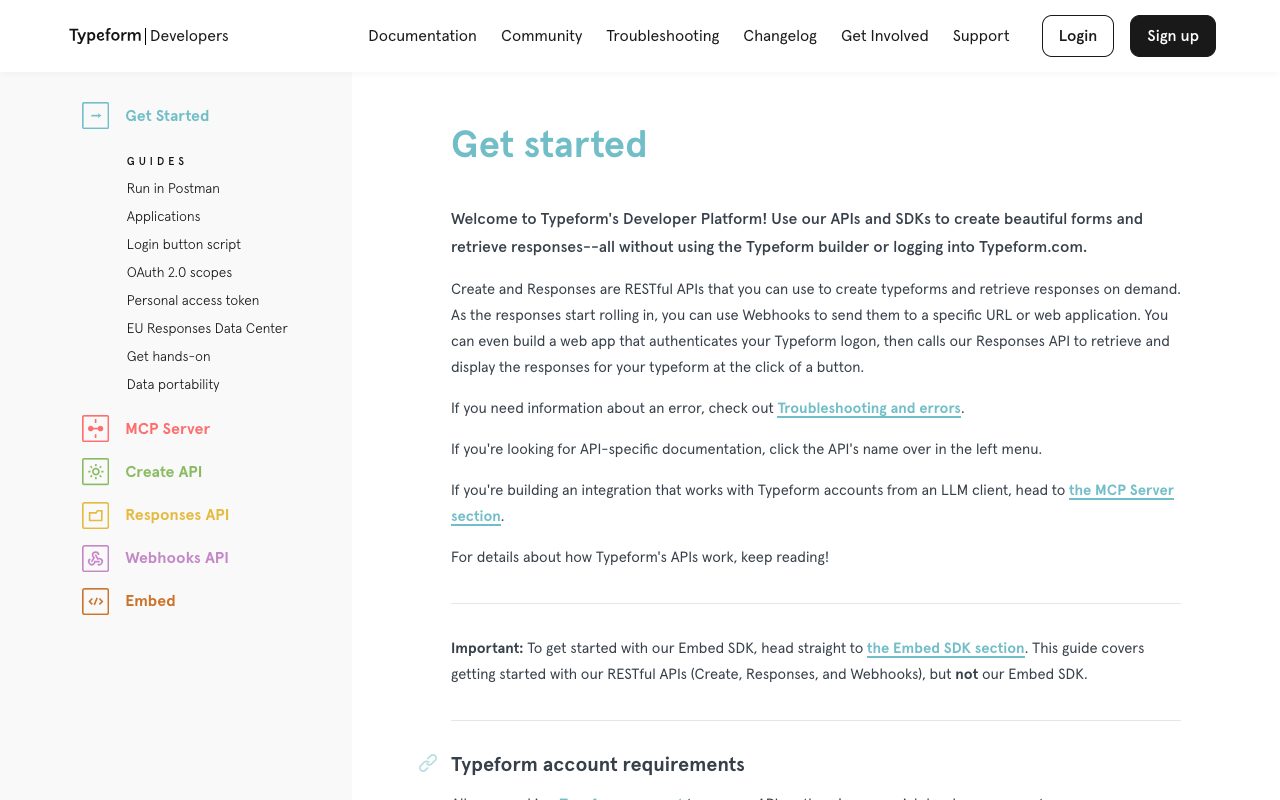
Typeform documentation: Get started page with account requirements and guides
The Get started guide explains how forms and answers are accessed: this is the page we follow when connecting a client's Typeform account to the CRM. Source: www.typeform.com ↗

How to start

Three steps from a first message to work on your project.

  1. 01

    Leave a request

    Describe the task in the form — in text or by voice. Budget and timing are optional.

  2. 02

    We review and estimate

    A developer studies the brief, asks about anything unclear and sends an estimate.

  3. 03

    We start

    Once scope and price are agreed, the work begins.

or write to info@coreviaflow.space

Questions

Do we need a special Typeform plan?
A regular account is enough to read answers. For Typeform to push each answer to your systems instantly, and to pass hidden fields such as the traffic source through the link, the account must be PRO or PRO+. We check this at the start and pick the delivery method that fits your plan.
What if our server is down when someone submits a form?
Nothing is lost: the answer stays in Typeform, and Typeform itself retries delivery several times over the following hours. On top of that, our scheduled re-read collects anything that was still missed.
Our data is stored in the EU. Does that change anything?
Only the address the connection talks to: accounts configured for the EU data center use a separate one. We set it correctly from the start, everything else works the same.
Can the same answer create a lead in the CRM and a row in a spreadsheet at once?
Yes. One submission can go to several destinations at once: a lead in the CRM, a row in Google Sheets, a message in Slack or Telegram, a contact in your mailing tool. You decide the list.

Tell us what needs to be connected

Describe the task in text or a voice message. We look at your setup and reply with a plan.