01
Morning, fifteen new orders on Prom
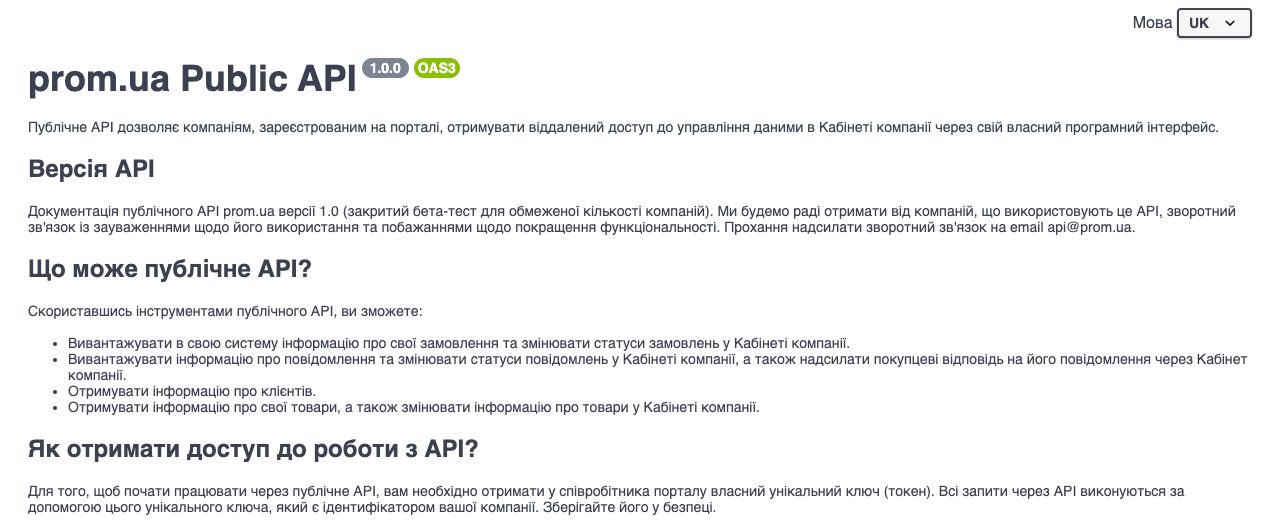
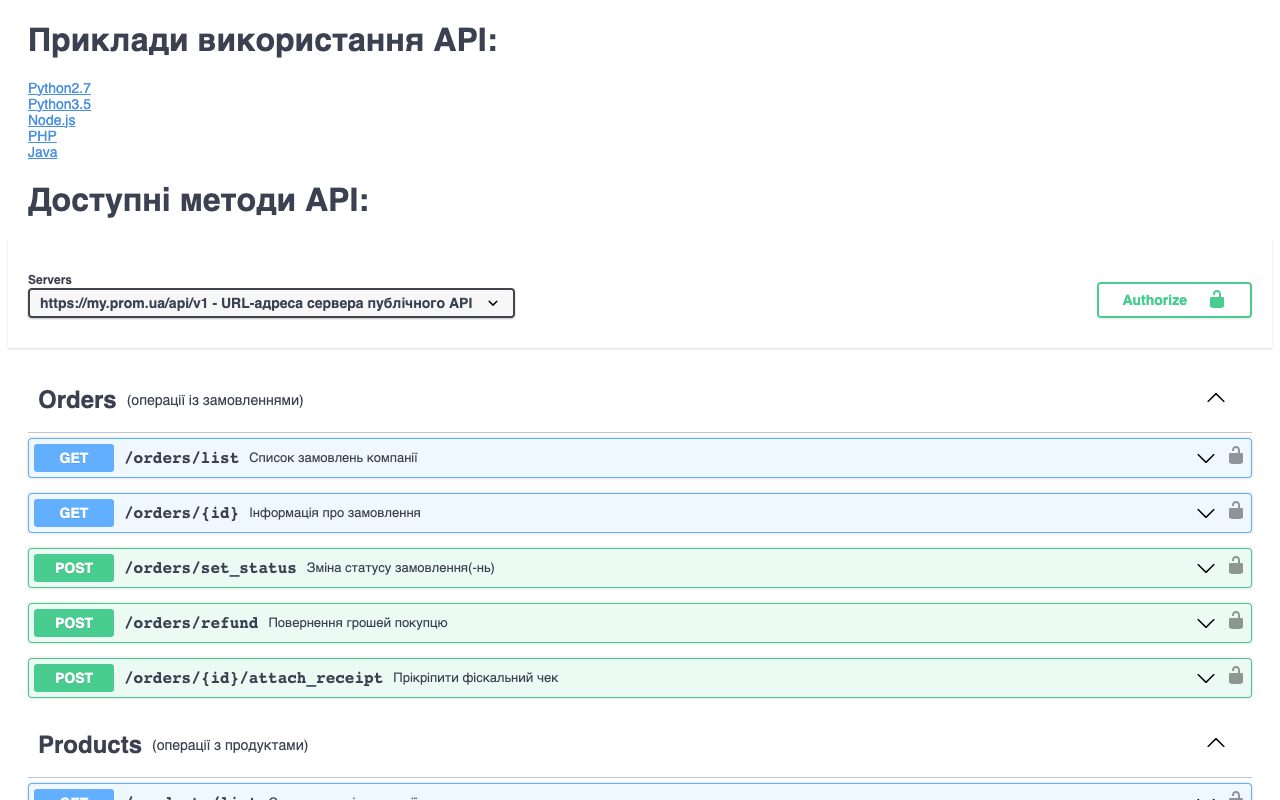
Before the manager opens the Prom cabinet, reads each order and retypes the buyer, phone, address and items into the CRM, then goes back to Prom to set the status.
After the orders are already in the CRM with the buyer and delivery details, the manager confirms them from the card, and the status on Prom changes on its own.
02
Shipping day with Nova Poshta
Before the waybill is created in the carrier's cabinet, its number is copied into the CRM and then pasted once more into the Prom order so the buyer can track it.
After the waybill is created from the order card, and its number is saved into the Prom order and shown to the buyer without a second copy-paste.
03
The last unit sold in the offline shop
Before the product is still shown as available on Prom, a buyer orders it, and the manager has to call and apologise.
After the stock change in your records is sent to Prom by article number, and the product is marked as out of stock before the next buyer sees it.
04
A buyer asks a question under the order
Before the question sits in the Prom cabinet until someone remembers to check it, and the answer is typed there separately from the order history in the CRM.
After the message is visible next to the order in the CRM, the manager answers from the card, and the reply reaches the buyer through Prom.